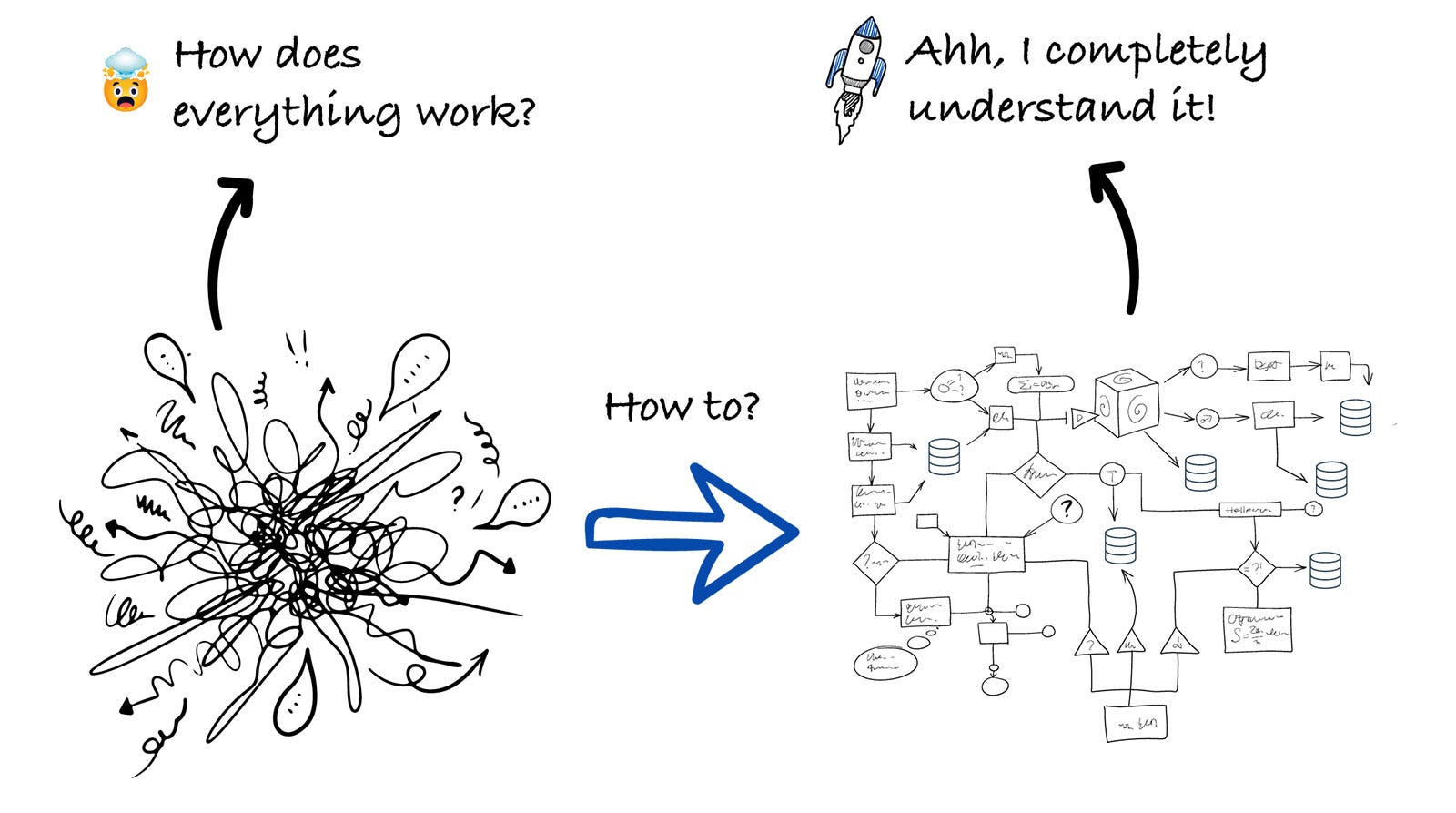
How to Use AI to Onboard Into a Codebase Faster
4 onboarding steps to speed up your understanding of a codebase and get you up and running in a few hours!
This week’s newsletter is sponsored by Depot.
CI was designed for a different era. Depot CI is fast by design.
AI has shifted the bottleneck from writing code to integrating it. Agents can produce code in seconds. But if your CI pipeline takes 15 minutes to respond, you haven’t gained velocity. You’ve just moved the waiting.
Depot CI is a new, programmable CI engine built for the speed agents demand:
Migrate your existing GitHub Actions workflows in minutes
Targeted job reruns means no waiting on unrelated steps
Instant starts, no queue time, billed by the second with no minimums
Full API access so agents can trigger, monitor, and retrieve results programmatically
Thanks to Depot for sponsoring this newsletter, let’s get back to this week’s thought!
Intro
Talking with different engineers and engineering leaders, some of the main use cases, where AI is helpful, that come up the most are (apart from coding):
Debugging issues
Finding the root cause of an incident
And also understanding the codebase and onboarding to it.
If you want to learn how 15 engineers and engineering leaders use AI in their day-to-day work, you can read this article:
Today, we are focusing a lot more on onboarding, and we’ll be going through all about how you can use AI to onboard into a codebase faster.
To help us with this, Jeff Morhous, Senior Software Engineer, CoverMyMeds, will be our guest author for today’s article.
Let’s introduce our guest author and get started.
Introducing Jeffrey Morhous
Jeffrey Morhous is a Senior Software Engineer, working in the healthcare industry. I have known Jeff for quite some time now, as we chat on different occasions and exchange our views on AI and all things engineering related.
He is also writing a newsletter called The AI-Augmented Engineer, where he regularly shares his insights on different AI-related topics. In today’s article, he’s sharing all about how AI is helping him onboard to a new codebase faster.
This is our second collab, and you can read the first one here:
Over to you, Jeff!
From “Where do I start?” to a structured plan
With Claude Code, (and most modern AI coding tools), you can compress “where do I start?” into a structured map of architecture, entry points, key flows, boundaries, test strategy, and runnable setup.
This is explicitly reinforced in the official Claude Code’s best practices guide. It describes onboarding workflows that improve ramp-up time.
Personally, it’s where I see AI to be useful the most.
If I already understand the codebase and need to make a small change, it’s often faster for me to type the change myself than to guide an LLM through it.
But if I’m not familiar with a codebase, and I need to make a change, it’s always faster for me to use AI to understand the new codebase first. I fully believe that if you’re opening a codebase for the first time and not using AI to help you get started, you’re losing hours of time.
In this article, I’ll show you my tool-agnostic framework for quickly getting up to speed in a new codebase, and I am also including my personally created prompts that you can use immediately.
Why rapid onboarding is one of the best uses of AI
For software engineers, onboarding to a new codebase can happen pretty often. If you work at a big enough company, you might work on apps you don’t have familiarity with, on a monthly or even weekly basis.
So onboarding into a new codebase is not just something you do when you get a new job, but happens regularly in an existing role as well.
Anthropic’s Claude Code best practices explicitly list onboarding as a top use case and even showcase the canonical onboarding prompt: “I’m new to this codebase. Can you explain it to me?” with an example of high-level codebase structure output.
Additionally, in their case study: How Anthropic teams use Claude Code, onboarding appears as a main Claude Code use case in multiple teams’ workflows.
Now, let me share how I get started with onboarding to a new codebase with 4 core onboarding tasks.
Core onboarding tasks
A good onboarding to a new codebase gives you a compact mental model you can keep in your head. The tasks below represent the set of mental models before I’m confident making safe, testable changes:
Initial app understanding
The end result I aim for: A documentation file like a README, CLAUDE.md, or AGENTS.md.
Mapping architecture
My goal in this step is to create a repo-local onboarding doc. A diagram of how components work together, and some sample traces of a request from entry to execution.
Identify tests
In this step, I look for what tests exist, how they map to layers, and the fastest “confidence loop”.
Identify how to run locally
I aim to get a minimal local run (or devcontainer run) with a smoke test that exercises a key flow.
The goal in going through these steps is to help me understand how to close the feedback loop from making a change to validating it, and to understand the path of a request into the app.
I’ll show how I use each of these with Claude Code, but the process is generally applicable to other popular AI-coding tools, including Cursor and Codex.
I wrote it as a step-by-step guide, so you can follow along if you want!
Onboarding with Claude Code
To run Claude Code in a new repo, install the tool and just run claude in the root of the repo.
1. Initial app understanding by using /init
If there is already a CLAUDE.md file or AGENTS.md file, read through them. If not, use Claude Code’s init command by running /init. The init command will skim through the codebase and create an understanding of the most important things, then document them in CLAUDE.md.
Use an Opus model when you run /init, even though it will cost you more tokens. Tokens spent on reasoning up-front are tokens well-spent.
When I use Plan Mode with a cheaper model like Sonnet, I find the plan is more likely to have overlooked critical architecture or contain consequential mistakes in the plan.
Opus or similar, more reasoning-heavy models have a lower rate of that and are likely to come up with things you wouldn’t have thought of on your own.
Cursor has a similar feature, you just have to ask Cursor’s agent in “Ask Mode” to explore and explain the codebase.
2. Mapping architecture
It’s great if you can produce a map of the repository early on. Understanding major components, responsibility boundaries, and dependencies can give you a huge boost when it’s time to actually make changes.
Here’s a prompt to help you do this:
You are onboarding me to this repository.
Tasks:
- Identify the top-level architecture (apps/services/libraries), and what each does.
- Produce a directory map: top 10 directories with responsibilities.
- Identify key runtime boundaries: API layer, domain layer, persistence, async jobs, config.
- Show a dependency diagram (Mermaid) using the repo’s actual module/package boundaries.
- Cite exact files for each claim (paths + brief evidence).
Constraints:
- Do not edit files.
- Prefer reading docs first (README, AGENTS.md, CLAUDE.md, docs/, CONTRIBUTING, ADRs) and then code.
- If the repo is a monorepo, explain the workspace/tooling setup.
Diagram:
Create a mermaid diagram with your findingsClaude Code will do just fine at finding information, and will present directories as boundaries in a nice table format.
But it won’t do a diagram. Alternatively, Cursor responds very well to this prompt and is happy to give you a really useful diagram. If you do this in Cursor, use Ask Mode, which will give you a really well-designed diagram, as you can see below.
3. Identifying tests
Every app handles tests differently, so sometimes it’s hard to figure out what tests your change should require. If you want to understand the test pyramid in your app and build a quick confidence loop, you should identify the patterns for the app right away.
Here’s a prompt I love for this:
Identify the testing strategy in this repo.
Output:
- Where tests live and how they’re organized (unit/integration/e2e).
- The fastest local confidence loop: which commands to run before a PR.
- How fixtures/mocks/testcontainers are handled.
- Common failure modes in this repo’s tests (if visible from config/docs).
If there is no testing strategy, propose a plan for one that follows the testing pyramid (lots of unit tests, less e2e tests).My side projects don’t usually have tests (I know, I know), so this prompt is a nice way for me to get started with a good testing plan.
Claude happily suggested one, and it’s easy to turn this into a real “plan” and have Claude execute on it. With this level of detail, you can usually get away with a cheaper model (Sonnet).
I’m surprised by the level of detail Opus 4.6 gives when providing test plans. It shows a much greater “understanding” of the codebase and intended features than even recent versions of Opus.
Test commands can be fragile across environments, so ensure you confirm dependencies and env vars before trusting “works on my machine”.
In all my working sessions with AI tools, I’ve noticed that setup issues or deficiencies are the source of nearly all my issues. If you’re having quality problems, be sure to address anything that might stop your agents from validating their own output.
Be sure an agent has the ability (and instruction) to run the app with dependencies and run tests against its own code.
4. Running the app
If you don’t already have it by now, you’ll want instructions on setting up the app and running it.
Ask for setup steps strictly grounded in repo evidence:
Produce a repo-specific local setup checklist with commands.
Rules:
- Only include steps you can justify from files in the repo (README, Makefile, package/build files, scripts, devcontainer config).
- Include: required runtimes, dependency install, env vars, database setup, migrations/seeds, and “run server / run worker / run UI”.
- End with a smoke test of one key flow.This should give you a single “happy path” setup that ends with a running service + a verification step. Claude Code gave me a great result when I ran this with Opus 4.6, and I didn’t even have to use a higher effort setting.
Bonus: Build a change plan before touching code
Once you understand the rough shape of the codebase, resist the urge to immediately ask your agent to make the change.
This is where a lot of AI-assisted work goes sideways.
You open a new repo, ask for a feature, and the agent happily starts editing files before you understand the blast radius.
Sometimes that works, but it can also change the wrong abstraction, skip the important test, or implement the feature in a way that technically works but doesn’t fit the codebase.
A better pattern is to ask for a plan first.
Before writing code, make the agent explain what it thinks needs to change, why those files are involved, what tests should be updated, and what could go wrong. This gives you a chance to catch bad assumptions while the cost is still low.
Here’s a prompt I like (it’s important to use plan mode):
I need to make this change: [describe the change].
Before writing code, create an implementation plan.
Include:
- The files likely involved.
- The smallest safe change.
- The existing patterns this should follow.
- Risks or hidden side effects.
- Tests to add or update.
- Manual verification steps.
- Questions I should answer before implementation.
Rules:
- Do not edit files yet.
- Cite exact file paths for every claim.
- Separate confirmed facts from assumptions.
- Prefer the smallest change that fits the existing architecture.This is one of the highest-leverage habits you can build when using coding agents. Don’t let the agent jump straight from “I found the code” to “I changed the code.”
Make it show its work first.
For example, if you need to add a new field to a checkout flow, the plan should tell you whether that field touches the database, the API response, the form object, the frontend state, background jobs, analytics, tests, or docs.
In a codebase you already know, you might be able to hold all of that in your head. In a codebase you just opened 45 minutes ago, you probably can’t.
This also gives you a much better review loop. You can look at the plan and say, “No, that’s not the right service object,” or “This should use the existing policy class,” or “You missed the serializer.”
That feedback is much cheaper before the agent has scattered changes across 8 files.
What else will you do with AI?
So you’re looking at a new codebase, and you want to understand it quickly? Lean on your tools. Use AI to help you understand your code. Don’t just use AI to produce code.
Using AI this way will give you compounding productivity gains over time. I don’t think clicking through the UI of the app and trying to understand how previous engineers were thinking and where they put stuff is fun, and it certainly isn’t a good use of your time anymore.
To recap, here’s the playbook for getting up to speed in a new codebase quickly.
Initialize your onboarding context with /init
Read and understand the results. Take some time to validate them against what you see in the codebase. This should take 10-30 minutes.
Map the architecture
Get an understanding of the components and ideally, a diagram of how they work together. You should certainly understand how a request is handled and where to start if you want to make a change. This should take 20-40 minutes.
Get on top of tests
You should know what sorts of tests you’ll need to add for a change and how to run them. This should take around 15 minutes.
Get the app running
And understand how to do so consistently. The time it takes to do this will really depend on the specific app and its complexity.
If you do these things, you could hit the ground running in a brand new codebase in just a few hours.
Even if the changes you need to make will be largely agent-driven, the time invested here will pay dividends when you start to hit edge cases or unexpected complexity.
Last words
Special thanks to Jeff for sharing his insights with us! Make sure to check out his newsletter The AI-Augmented Engineer to get more insights on how to use AI effectively.
Liked this article? Make sure to 💙 click the like button.
Feedback or addition? Make sure to 💬 comment.
Know someone that would find this helpful? Make sure to 🔁 share this post.
Whenever you are ready, here is how I can help you further
Join the Cohort course Senior Engineer to Lead: Grow and thrive in the role here.
Interested in sponsoring this newsletter? Check the sponsorship options here.
Take a look at the cool swag in the Engineering Leadership Store here.
Want to work with me? You can see all the options here.
Get in touch
You can find me on LinkedIn, X, YouTube, Bluesky, Instagram or Threads.
If you wish to make a request on particular topic you would like to read, you can send me an email to info@gregorojstersek.com.
This newsletter is funded by paid subscriptions from readers like yourself.
If you aren’t already, consider becoming a paid subscriber to receive the full experience!
You are more than welcome to find whatever interests you here and try it out in your particular case. Let me know how it went! Topics are normally about all things engineering related, leadership, management, developing scalable products, building teams etc.


Thanks for having me on to share! I hope these tips help ICs and leaders alike get the most out of AI :)